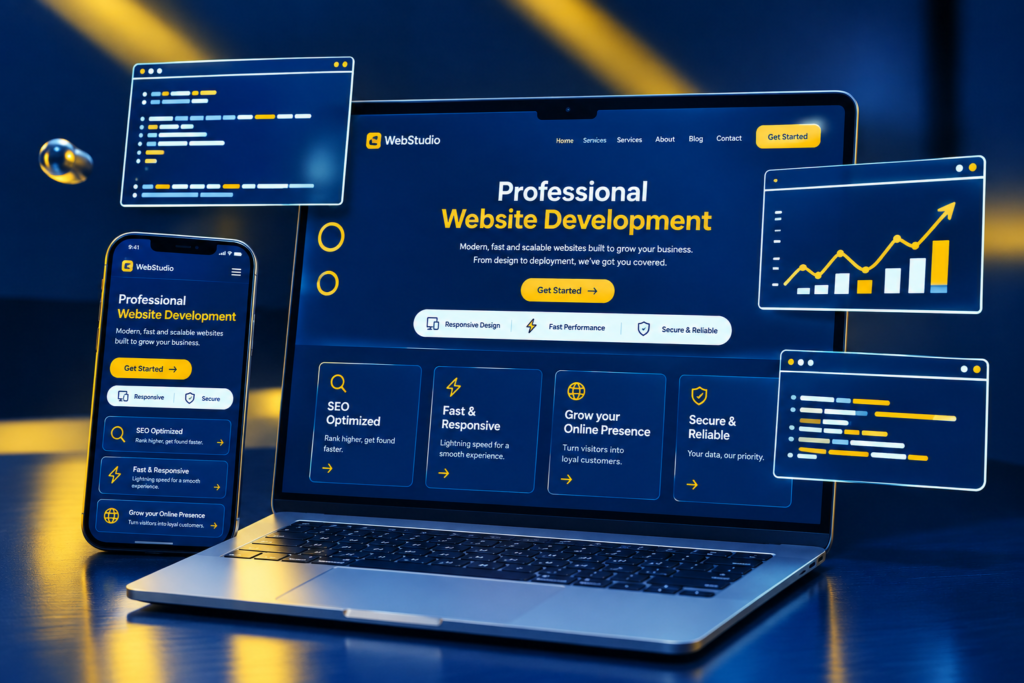
How to Build a Website Without Coding Knowledge Using WordPress
A few years ago, building a website usually meant knowing HTML, CSS, JavaScript, or hiring a developer. Today, things are much easier. With tools like WordPress and Elementor, you can create a professional website even if you’ve never written a single line of code.
Whether you’re starting a business, building your personal brand, creating a portfolio, or starting a blog, WordPress gives you everything you need to get started.
So, how do you actually build a website without coding?
Start With a Domain and Hosting
First, you’ll need two basic things: a domain name and web hosting.
Your domain is the address people type to visit your website, such as yourbusiness.com. Hosting is where your website and its files are stored.
Try to choose a domain that is simple, memorable, and related to your business or brand. Most hosting companies also offer an easy WordPress installation, so you don’t have to worry about complicated technical setup.
Install WordPress
Once you have your hosting, the next step is installing WordPress.
Most hosting providers now offer a one-click installation option. After it’s installed, you’ll get access to your WordPress dashboard. This is where you’ll manage your pages, blog posts, images, plugins, and other website settings.
Don’t worry if the dashboard looks unfamiliar at first. You’ll get used to it quickly as you start building.
Choose a Simple Theme
Your WordPress theme gives your website its basic look and structure.
If you’re planning to use Elementor, Hello Elementor is a good choice because it’s lightweight and designed to work well with the page builder. Other popular options include Astra and Kadence.
You don’t need to find a theme that looks exactly like your dream website. Think of the theme as your foundation. You can customize the design later.
Build Your Pages With Elementor
This is probably the easiest part for someone without coding experience.
Elementor works with a drag-and-drop interface, so you can visually build your website instead of writing code.
Want to add a heading? Drag in a heading widget.
Need an image? Add an image widget.
Want a button? Drag in a button and add your link.
You can also change fonts, colors, spacing, borders, backgrounds, and other design elements directly from the editor.
This makes it much easier to experiment with different layouts and see the changes as you make them.
Create the Important Pages
Before worrying about fancy animations or complicated features, focus on the pages your visitors actually need.
For a typical business website, these might include:
Home – Introduce your business and what you offer.
About – Tell people who you are and why they should trust you.
Services – Explain your services and how they can help customers.
Portfolio – Show examples of your work.
Blog – Share useful information and build your online presence.
FAQ – Answer questions customers commonly ask.
Contact – Make it easy for people to reach you.
You can create all of these pages using Elementor without touching code.
Plan Your Homepage Before Designing It
Your homepage is often the first thing people see, so don’t just fill it with random sections.
Think about what you want a visitor to understand within the first few seconds.
A simple structure could be:
Hero Section → Services → Why Choose You → Portfolio → Testimonials → FAQ → Call to Action
Start with a clear headline that tells visitors what you do.
For example:
Grow Your Business With Smarter Digital Marketing
Then explain briefly how you can help and give visitors a clear next step, such as Get Started, Book a Consultation, or Contact Me.
Don’t Forget Mobile Users
A website that looks great on your laptop might look completely different on a phone.
That’s why you should always check your website on different screen sizes before publishing it.
Elementor lets you switch between desktop, tablet, and mobile views while designing. You can adjust things like font sizes, spacing, images, and layouts for each device.
Take a few minutes to check the mobile version. It can make a big difference to the overall experience.
Add Plugins When You Need Them
One of the best things about WordPress is its huge collection of plugins.
Plugins allow you to add features without building them yourself. Depending on your needs, you might use plugins for contact forms, SEO, security, backups, analytics, performance, or online stores through WooCommerce.
Just don’t go overboard. Installing a plugin for every small feature can make your website harder to manage and sometimes slower.
Only install what you actually need.
Think About SEO From the Beginning
Having a website doesn’t automatically mean people will find it on Google.
That’s where SEO (Search Engine Optimization) comes in.
Use relevant keywords naturally in your content, write helpful page titles and descriptions, organize your headings properly, optimize your images, and create useful content for your audience.
Your blog can also become a valuable part of your SEO strategy. Instead of writing articles just to fill your website, answer the questions your potential customers are actually searching for.
Test Everything Before Launching
Before you proudly share your new website with the world, take a moment to test it.
Click every button. Check every link. Submit your contact form. Look at the website on your phone. Make sure your images load correctly and check for spelling mistakes.
It’s surprisingly easy to overlook a small problem when you’ve been working on the same website for days.
Once everything looks good, you’re ready to launch.
Final Thoughts
Building a website without coding knowledge is no longer difficult. With WordPress and Elementor, you can start with a blank website and gradually turn it into something that looks professional and represents your brand.
You don’t need to learn everything at once. Start with the basics, experiment with the design, and improve your website as you learn.
And if you eventually want more control over your website, you can always learn some HTML and CSS later. But you don’t need to be a coder to get started.
Start simple, focus on your visitors, and build your website one step at a time.